Industry Guides 7 min read
What Should a Restaurant Website Include? A Practical Checklist
The essential pages, menu details, local SEO basics, accessibility checks, and booking options that help restaurant customers make a decision.
By DevArea Editorial Team · Updated 29 July 2026
Quick answer
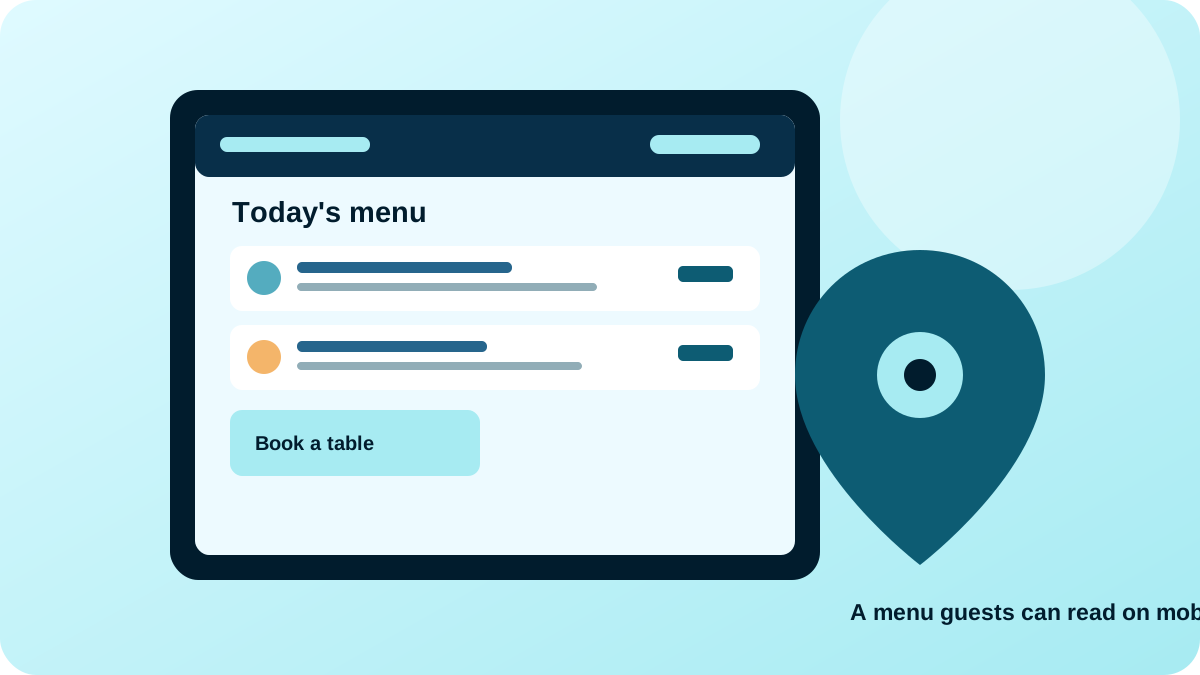
A useful restaurant website should make five things easy to find on a phone: the menu with prices, the restaurant’s location and opening hours, how to contact or book, the food and dining experience, and any important policies such as dietary or accessibility information. Start with accurate, readable information and a clear call to action; add online ordering or reservations only if the restaurant can reliably fulfil them.
The essential information customers look for first
Restaurant visitors often arrive with a specific question: What is on the menu? What will it cost? Is the restaurant open now? Where is it, and can I reserve a table? Put these answers near the top of the mobile experience. Do not make a visitor create an account or message the restaurant just to discover basic information.
Use the restaurant’s real name consistently, and make the location and contact details match the business’s public profiles. If the restaurant serves more than one location, provide a separate page or clearly labelled location section for each one, with the correct hours, phone number, menu availability, and directions.
- Current menu with readable item names, descriptions, prices, and dietary notes where relevant.
- Full address, map/directions link, opening hours, holiday notices, and phone number.
- A visible reservation, takeaway, delivery, or enquiry action that works on mobile.
- Real food, interior, and team photographs that reflect the current experience.
- Clear information about allergens, accessibility, children, parking, and group bookings where applicable.
Bookings, takeaway, and delivery: only add what you can support
A reservation form should explain whether the request is confirmed instantly or whether the restaurant will call back. Collect only information needed to handle the reservation, show the expected response time, and make date, time, party size, and contact fields easy to use. If a third-party booking service is used, make the transition clear so visitors know where they are going.
For takeaway or delivery, show the delivery area, minimum order or fees where applicable, estimated preparation information only when reliable, and a clear help route if an order has a problem. A simple click-to-call or WhatsApp enquiry may be a better first step than building a complicated ordering system before the restaurant has the people and processes to run it.
Restaurant local SEO without keyword stuffing
Give the page a descriptive title and heading that identify the restaurant and its real location, for example “North Indian Restaurant in [Area] | [Restaurant Name]”. This is a pattern, not text to publish with placeholders. Use the actual neighbourhood or city only where it genuinely describes where the restaurant is located or serves customers. Do not publish fake branches or near-identical location pages to target places the restaurant does not serve.
Keep name, address, phone, opening hours, and menu links consistent across the website and the eligible Google Business Profile. Google’s restaurant and local-search features can change, so validate any structured data against current official guidance and Search Console. Structured data helps search engines understand marked-up information; it does not guarantee a special result or ranking.
- A unique title and meta description that match the actual restaurant page.
- One clear H1 and useful headings for menu, location, hours, and reservations.
- Internal links to directions, menu, booking, and contact information.
- Accurate Restaurant or appropriate LocalBusiness structured data only for visible, correct facts.
- A mobile performance check on real devices and a way to measure calls, directions, or booking submissions.
Restaurant website launch checklist
- Test the website on a phone: menu text, location links, calls, forms, and booking flow.
- Verify every menu price, opening hour, location detail, and policy with the restaurant owner.
- Check image rights, alt text, page titles, canonical URL, sitemap inclusion, and broken links.
- Submit the sitemap in Google Search Console and inspect important URLs after launch.
- Review real conversion signals—calls, booking requests, directions clicks, and orders—and improve the most confusing step.
Do not add fake reviews, fabricated awards, or claims such as “best restaurant in the city” unless they are substantiated and appropriate. Helpful, accurate information is a stronger foundation than exaggerated copy.
Frequently asked questions
Does a restaurant need a website if it is already on food delivery apps?
A website can still provide the restaurant’s official menu, location, hours, policies, events, and direct contact route. It should complement third-party platforms rather than promise a direct-order process the restaurant cannot support.
Should the menu be a PDF or a webpage?
Use a responsive webpage for the main menu because it is easier to read on phones and exposes the menu as page text. A PDF can be an optional download, not the only available version.
Can a restaurant website improve local Google visibility?
It can help search systems and customers understand the restaurant, its menu, and its real location. Visibility also depends on competition, relevance, prominence, accurate business data, and other factors; no website can guarantee a ranking.
What is the most important restaurant website feature?
The most important feature is accurate information that answers the customer’s immediate question—often the menu, prices, opening hours, location, or booking option—followed by a reliable action that works on mobile.
Sources and further reading
- Google Search Central: SEO Starter Guide
Official guidance for titles, descriptive links, images, and crawlable page structure.
- Google Search Central: Local business structured data
Official reference for marking up accurate, visible local business details.
- Google Business Profile: Guidelines for representing your business
Rules for accurate real-world business and location information.
- W3C WAI: Images tutorial
Accessibility guidance on useful text alternatives for images.
This article is general educational guidance. Pricing and implementation needs vary by business; verify official platform guidance before making technical or compliance decisions.
Need help applying this to your website?
DevArea works with businesses in Lucknow and supports projects across Uttar Pradesh, including Ayodhya and Gonda. Share the scope and goals for a practical next step.